🎉 Great News! You have the “Claude to PDF, Word and Google Docs” Extension Installed! 🎉
To see the export buttons and start saving your chats,
please refresh your Claude page
now.
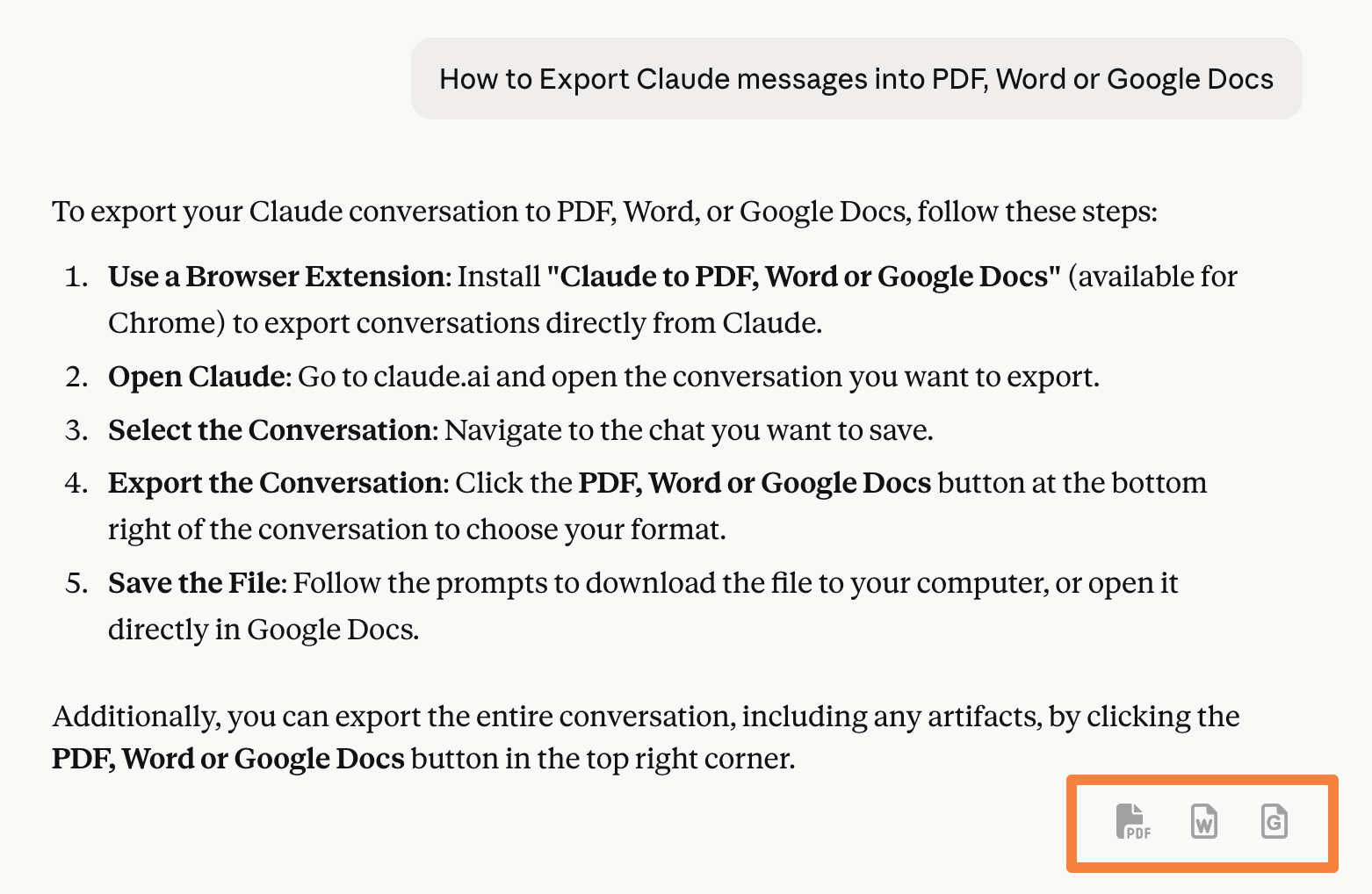
Look for the buttons marked in the red square in the image above after refreshing.
Claude to PDF, Word and Google Docs Extension
Welcome to the official documentation for the Claude to PDF, Word and Google Docs Chrome extension.
This extension allows you to seamlessly export Claude responses into professionally formatted PDF, Word (.docx), or Google Docs — perfect for saving research, client notes, lesson plans, documentation drafts, and more.
Key Features
-
Export Individual Responses
Download any single Claude response as a PDF, Word file, or Google Doc with one click. -
Export Entire Conversations
Convert full chats into clean, readable documents in your preferred format. -
Support for Math and Formatting
Equations, tables, bullet points, and markdown-style formatting are preserved beautifully — no extra editing needed. -
Artifact Content Support
Export content when a Claude artifact is open in full view. -
Long-form & research-style exports
Works seamlessly with Claude’s longer, structured responses, preserving headings, sections, and citations in the exported document for sharing and archiving. -
Free & Pro Plans
Use the extension for free with usage limits, or upgrade for unlimited exports and additional features.
Who Is It For?
This extension is ideal for:
- Students and researchers saving Claude notes or summaries
- Professionals documenting AI-generated content
- Content creators and bloggers preparing drafts
- Anyone who wants to archive or share AI conversations
What You’ll Learn
In this documentation, you’ll find:
- How to install and activate the extension
- How to export single responses, full chats, or artifact content
- How to manage your license
- Troubleshooting tips and FAQs
Get started by exploring the Installation Guide or jump directly to Exporting a Single Response.