Exporting a Single Response
The Claude to PDF, Word and Google Docs extension allows you to export any individual response from Claude into a cleanly formatted PDF, Word document, or Google Doc.
How to Export
To export a single response:
- Open any conversation on Claude .
- Look for the Word, PDF, and Google Docs buttons at the bottom right corner of each response.
- Click the button for the format you want.
Example
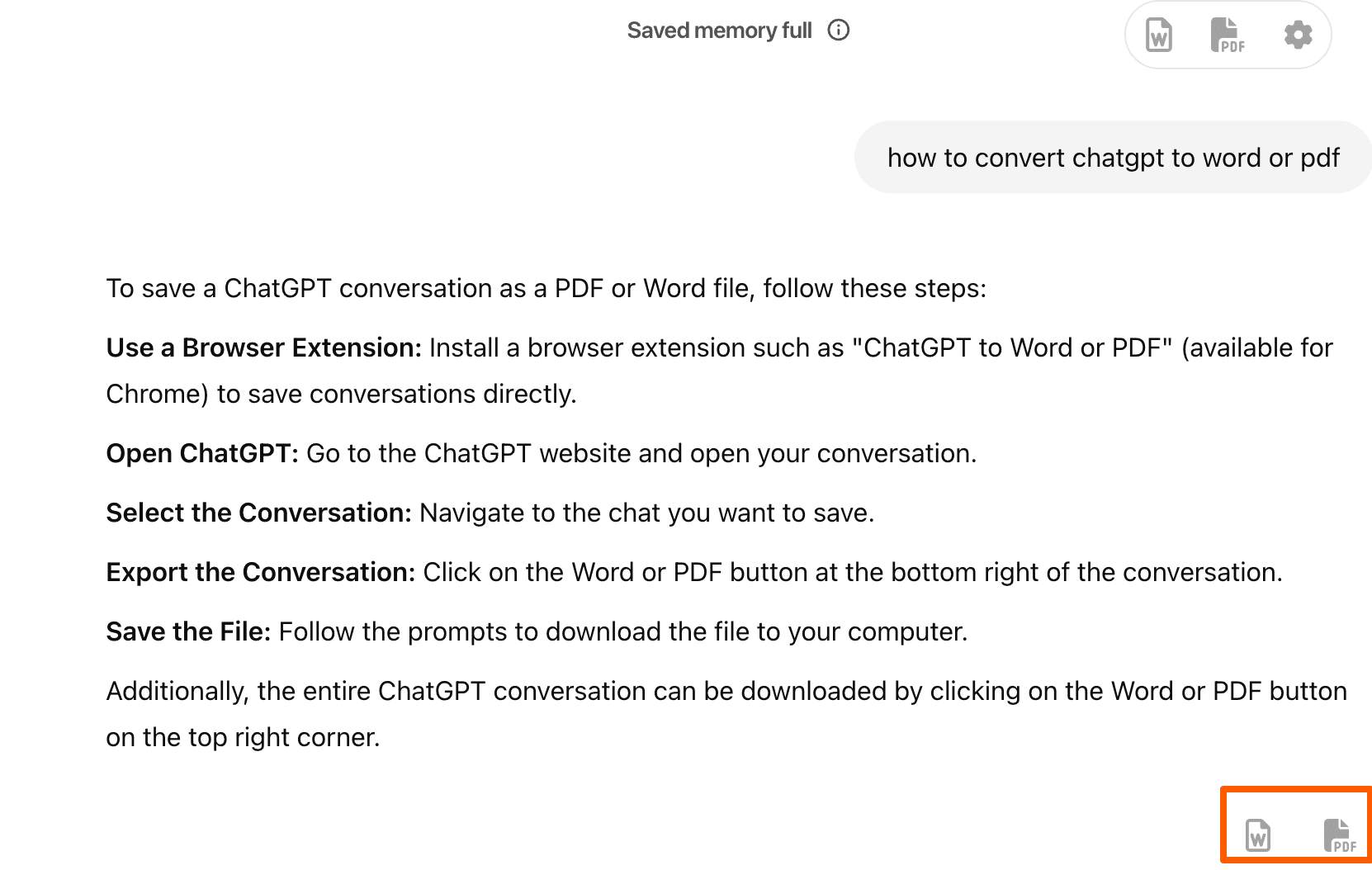
The exported file will preserve:
- Headings and paragraph structure
- Bullet points and numbered lists
- Code blocks and markdown formatting
- Math equations (rendered properly in Word)
- Tables and indentation
No extra formatting required — the document is ready to use or share.
Tip: Use this feature to quickly save summaries, code snippets, or explanations without copying and pasting manually.
Last updated on